

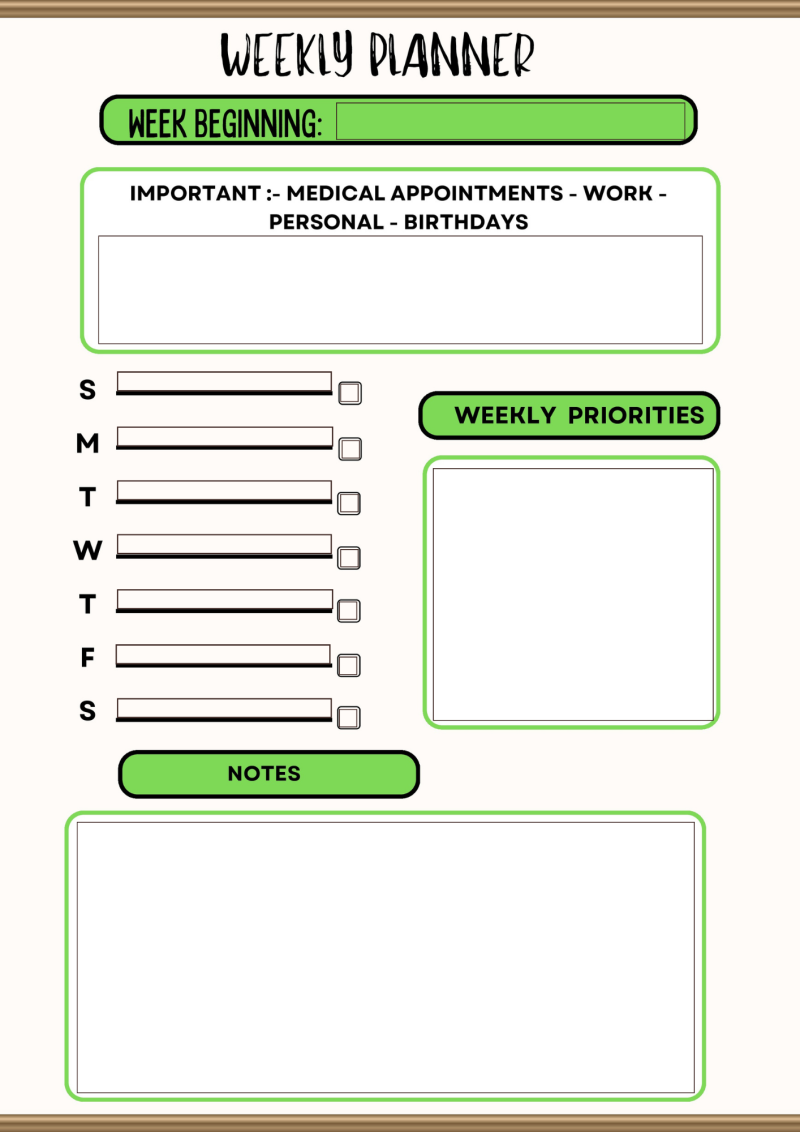

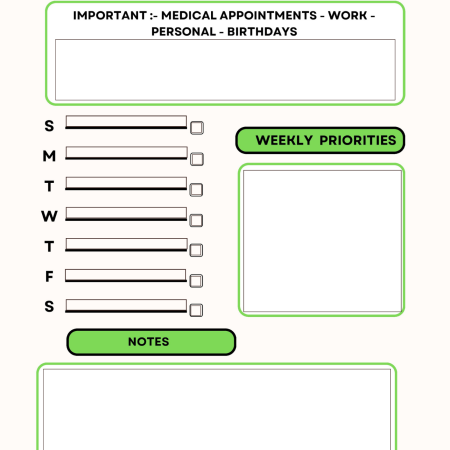

This planner is designed to be flexible and easy to use across mobile devices, tablets, and desktops without cluttering up the system.
Follow the steps below to get started if this is the first time you have purchased a digital download to use on your mobile device.
On Your Phone or Tablet
Download and save the PDF to your device
Open it in a PDF app (Adobe Acrobat Reader works best)
Tap any box and start typing, in the blue shaded areas.
On Your Computer
Open the PDF in a program like Adobe Acrobat Reader or Preview (Mac)
Click into the fields and type your plans
Save your updated version
Quick Tips – If you want to save your files from week to week
Rename your file each week to stay organised
Keep a backup in Google Drive, iCloud, or Dropbox
You can print it out if you prefer writing by hand
This is a simple designed file to be flexible without too many pages or boxes to help keep you organised and it can be used over and over again.

There are no reviews yet.